Setup Instructions for Mac Devices
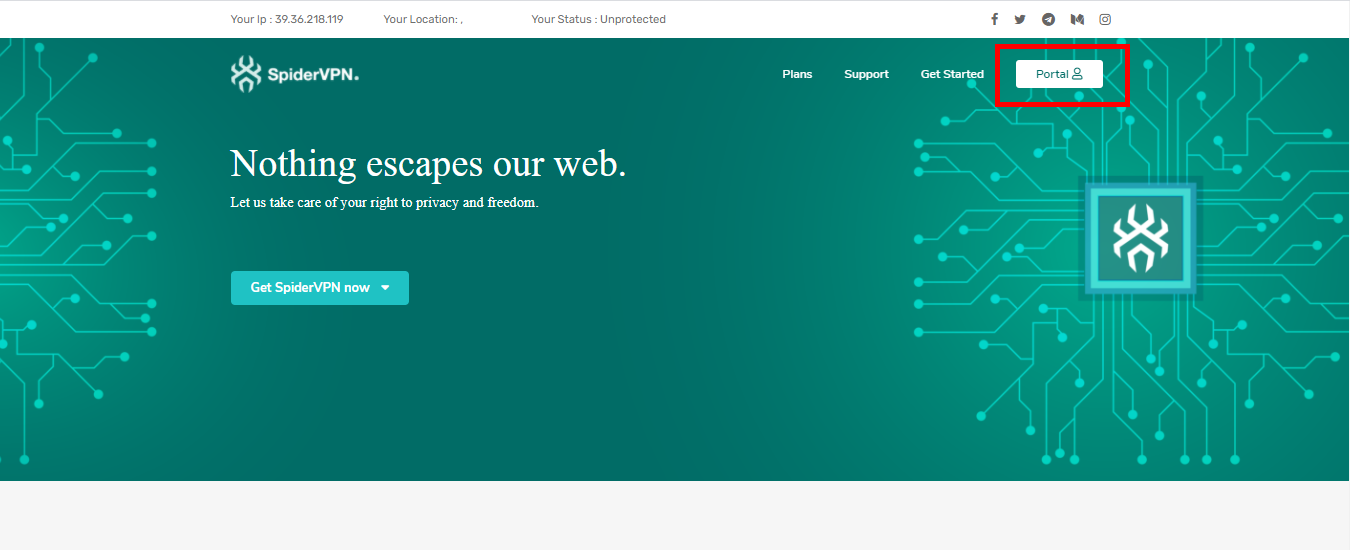
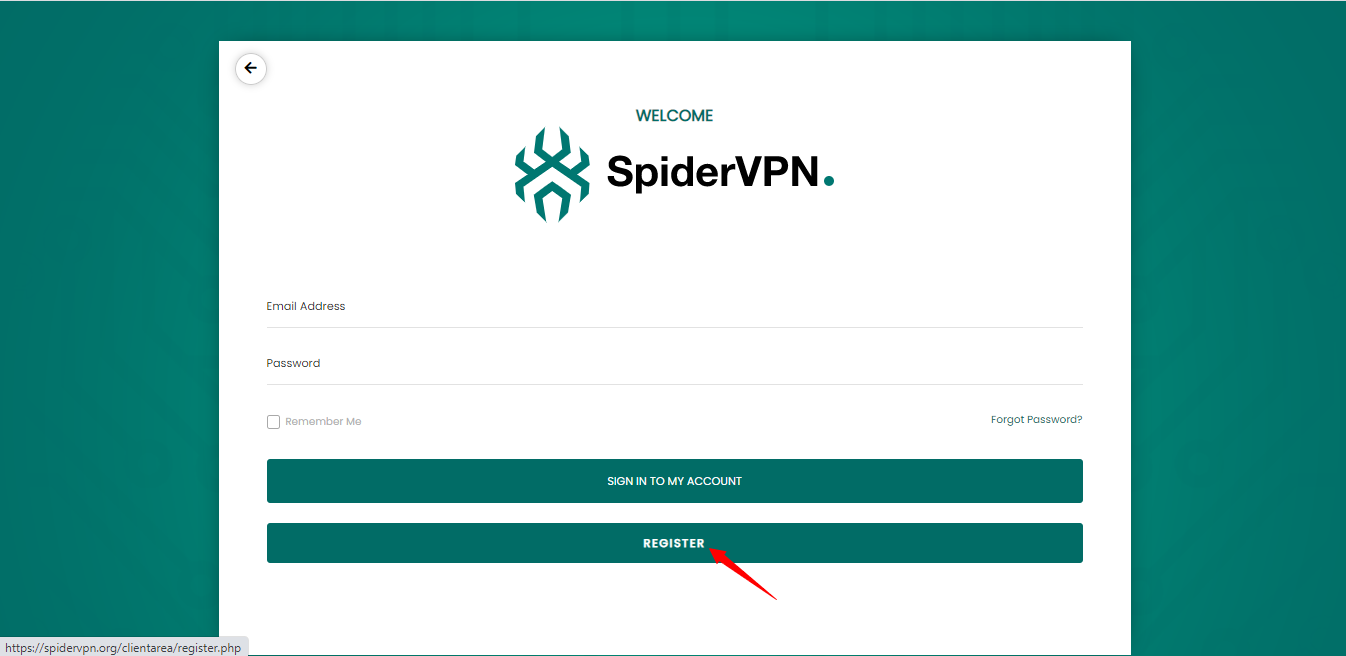
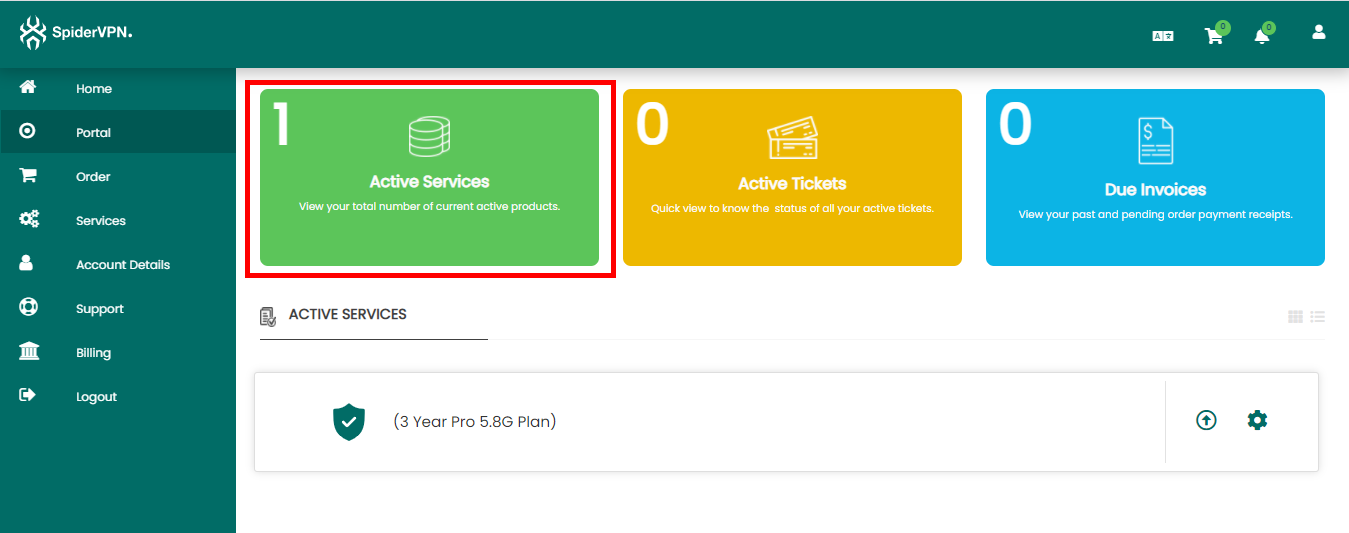
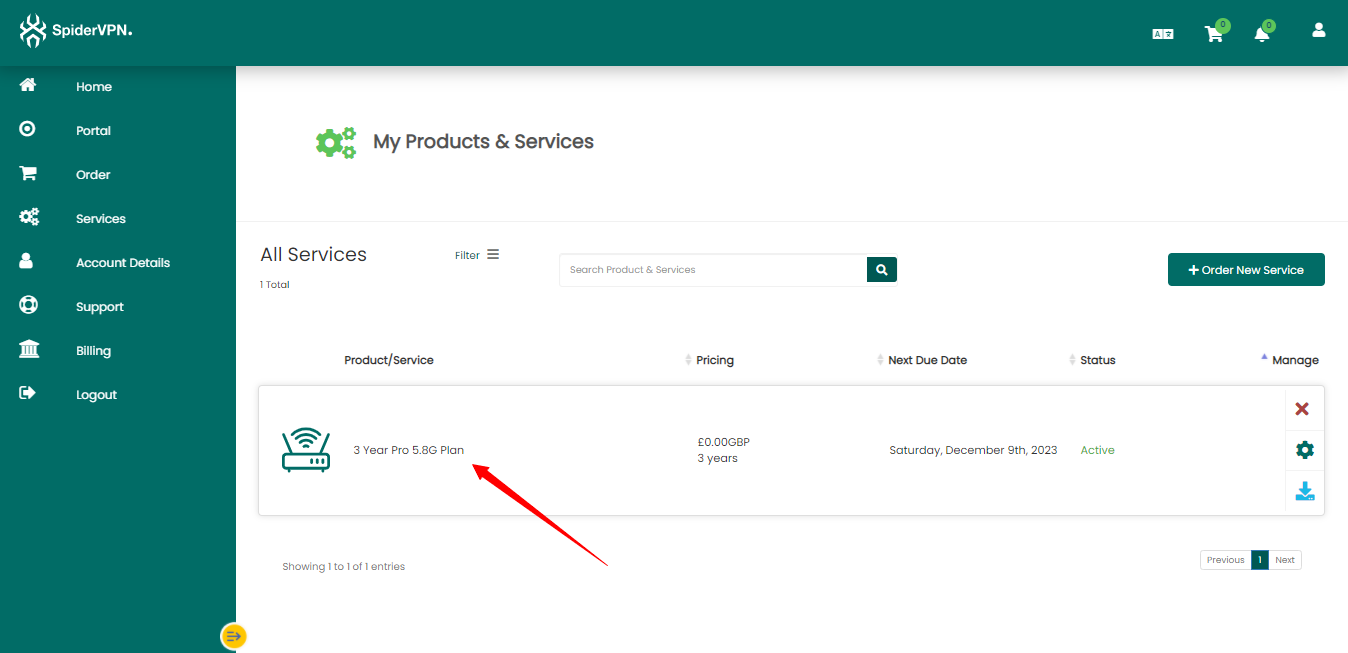
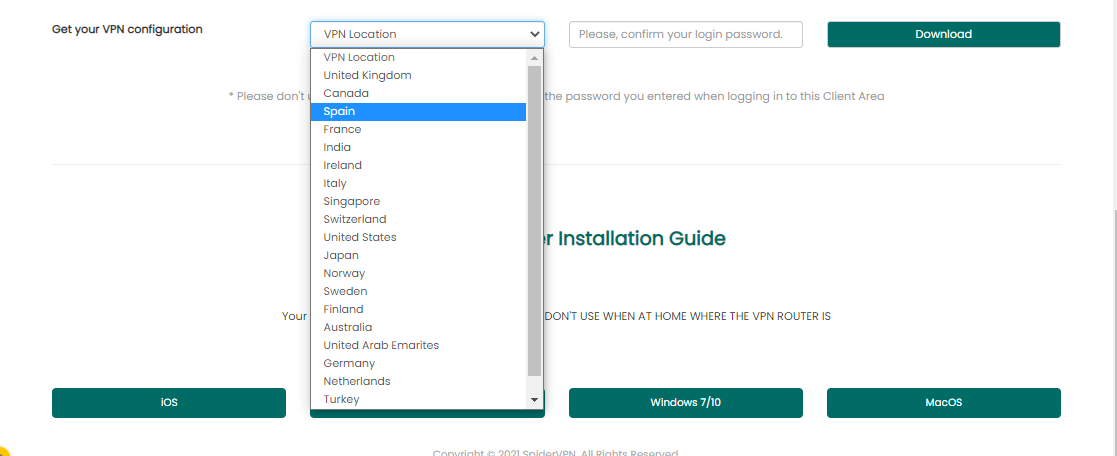
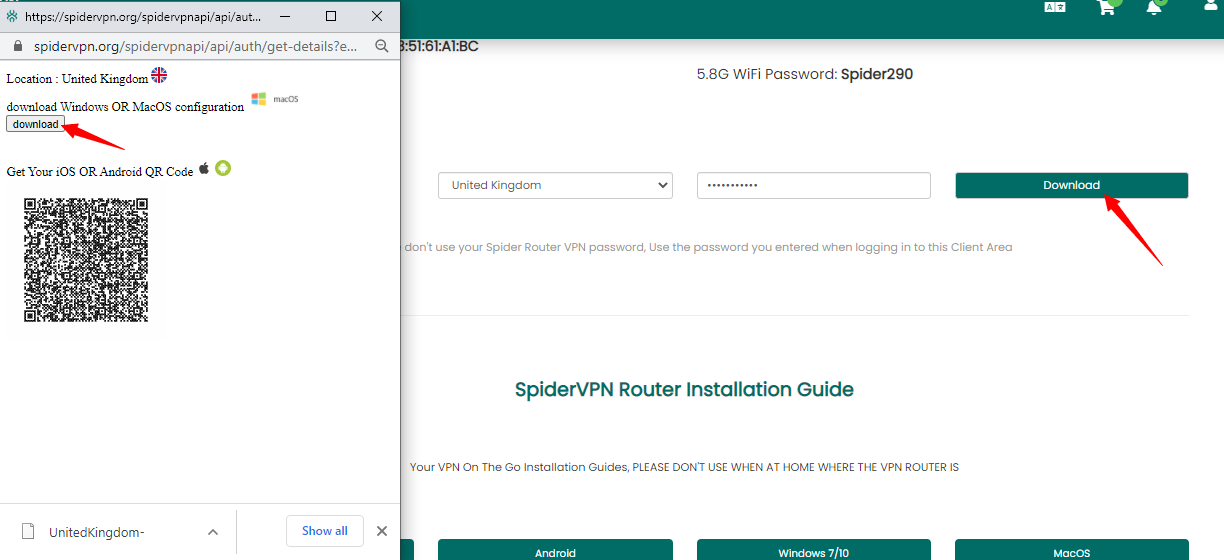
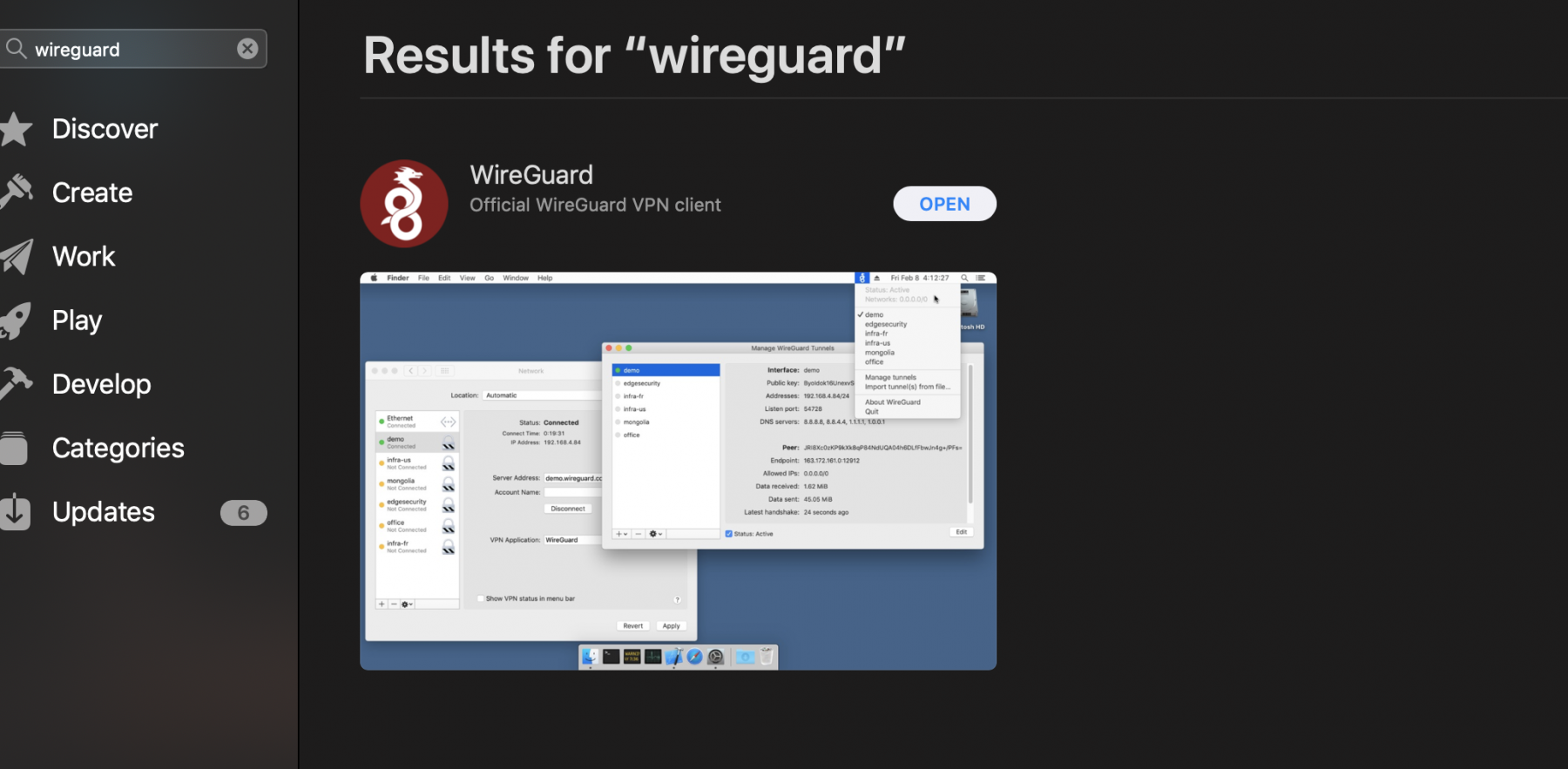
- Download the SpiderVPN Mac app or WireGuard profile from the customer area.
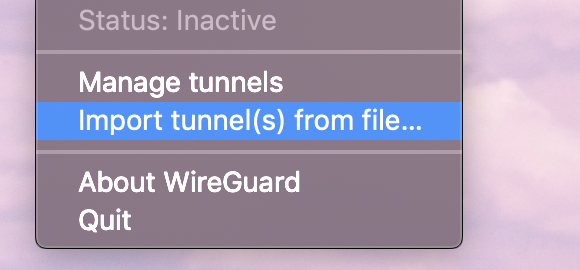
- Install the app or import the WireGuard profile.
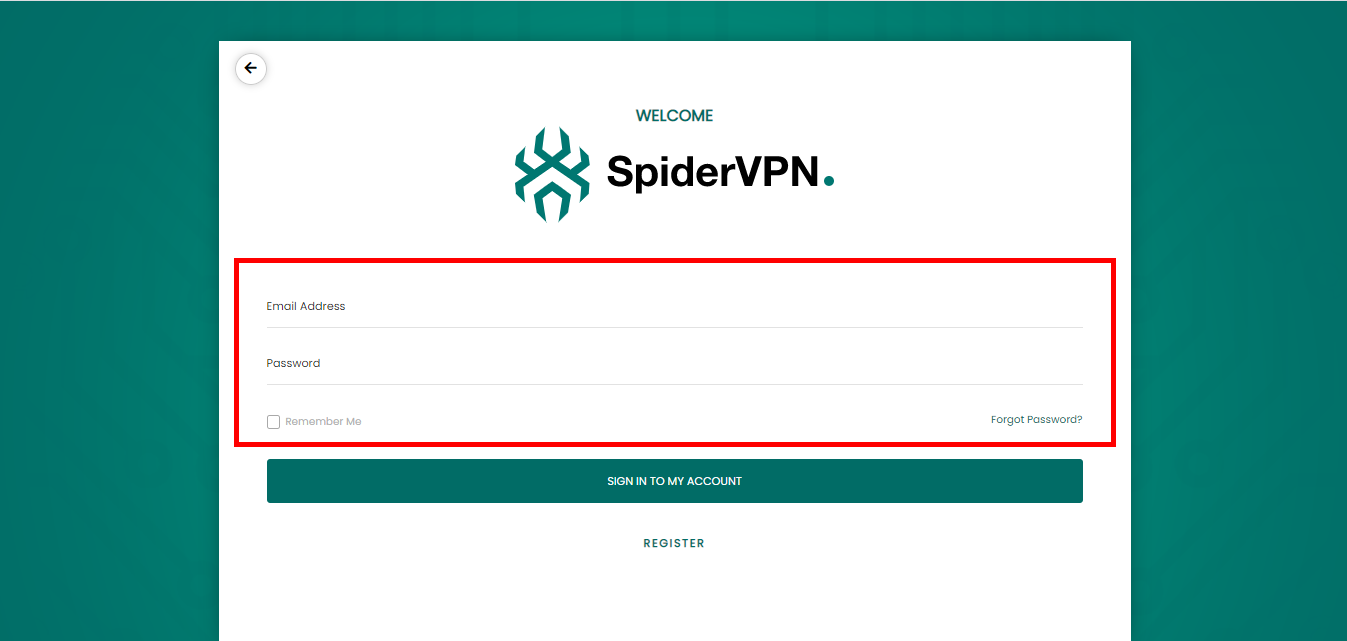
- Sign in or use the provided VPN configuration.
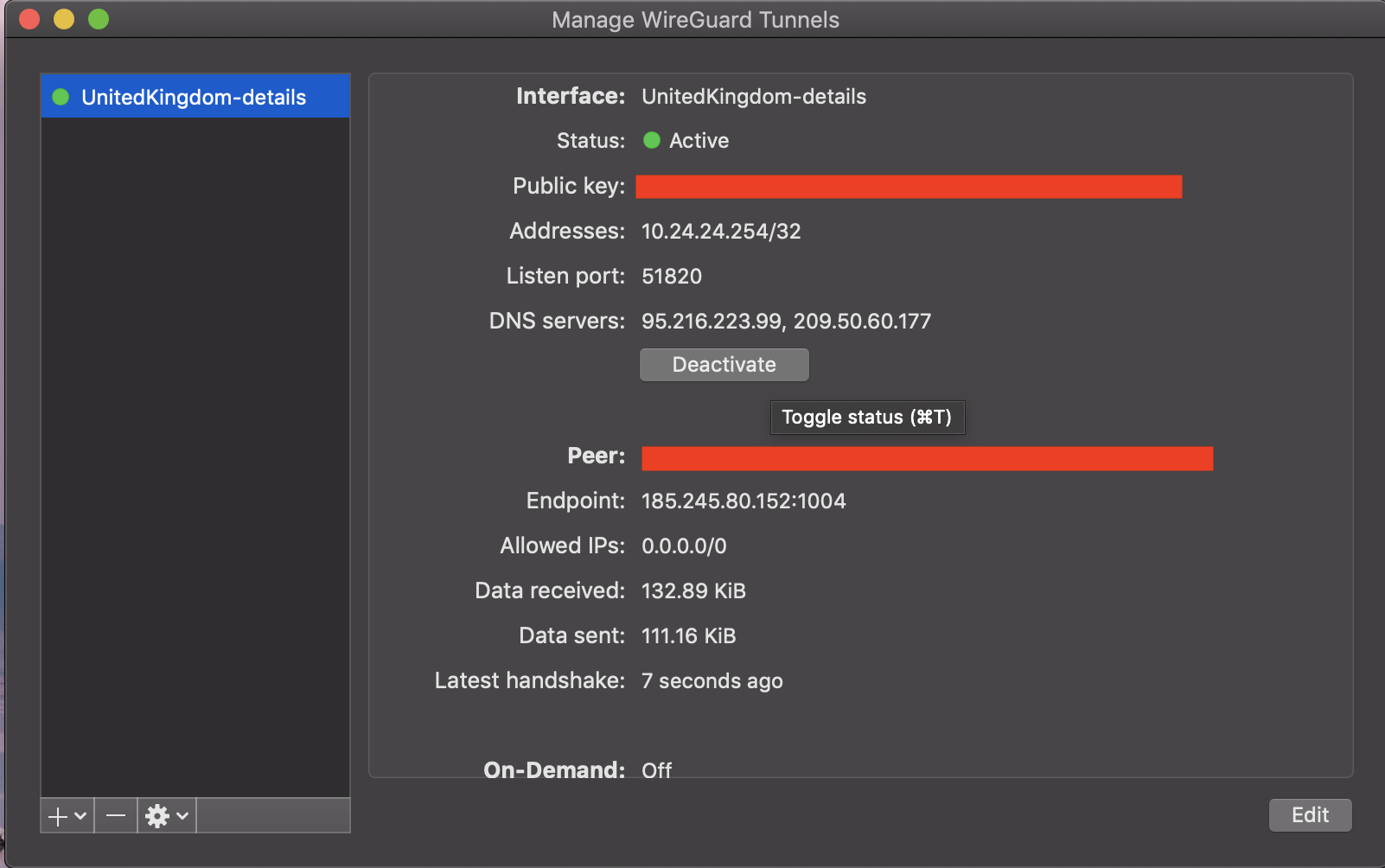
- Connect to the preferred SpiderVPN location.
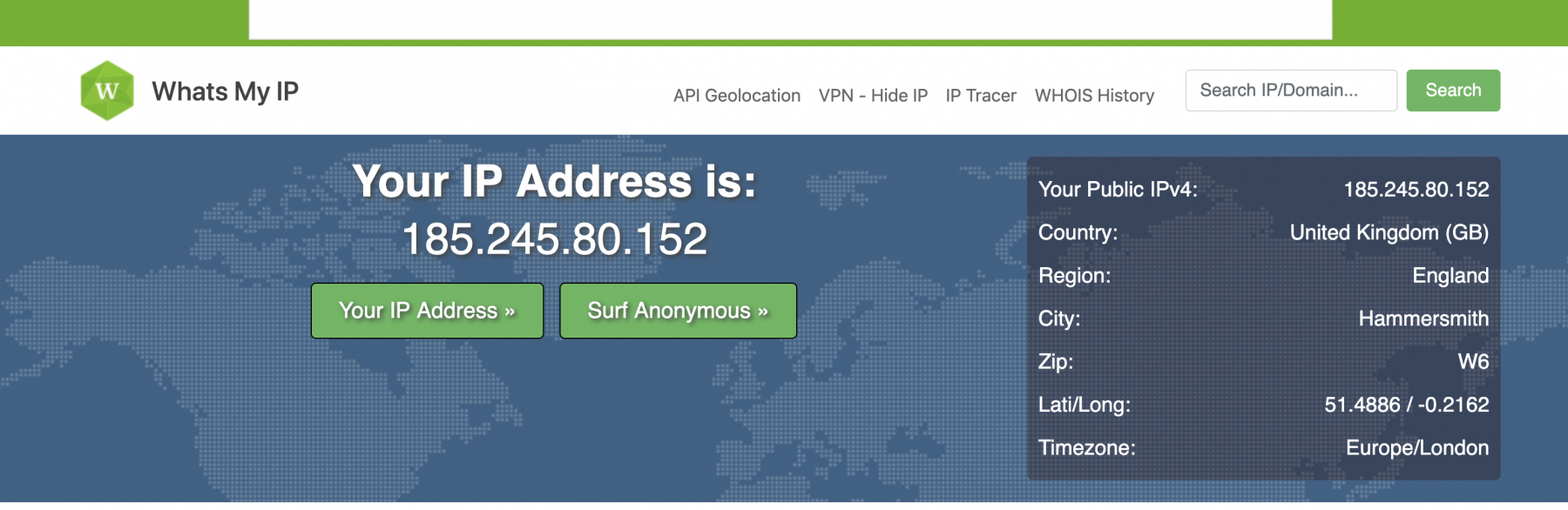
- Confirm traffic is routed through SpiderVPN.
If the account or profile is missing, contact support with your SpiderVPN account email.
Reference Screenshots
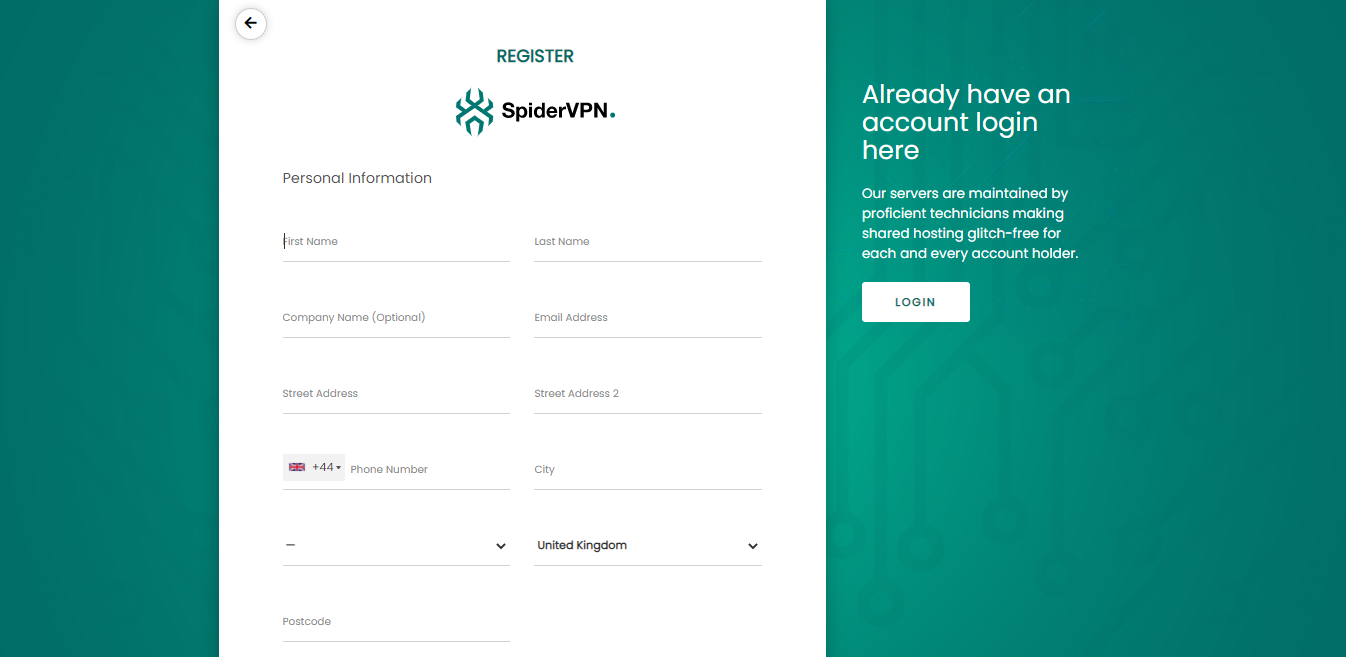
These images were preserved from the previous public GitBook page for visual parity.