Change the DNS Unblocker Settings
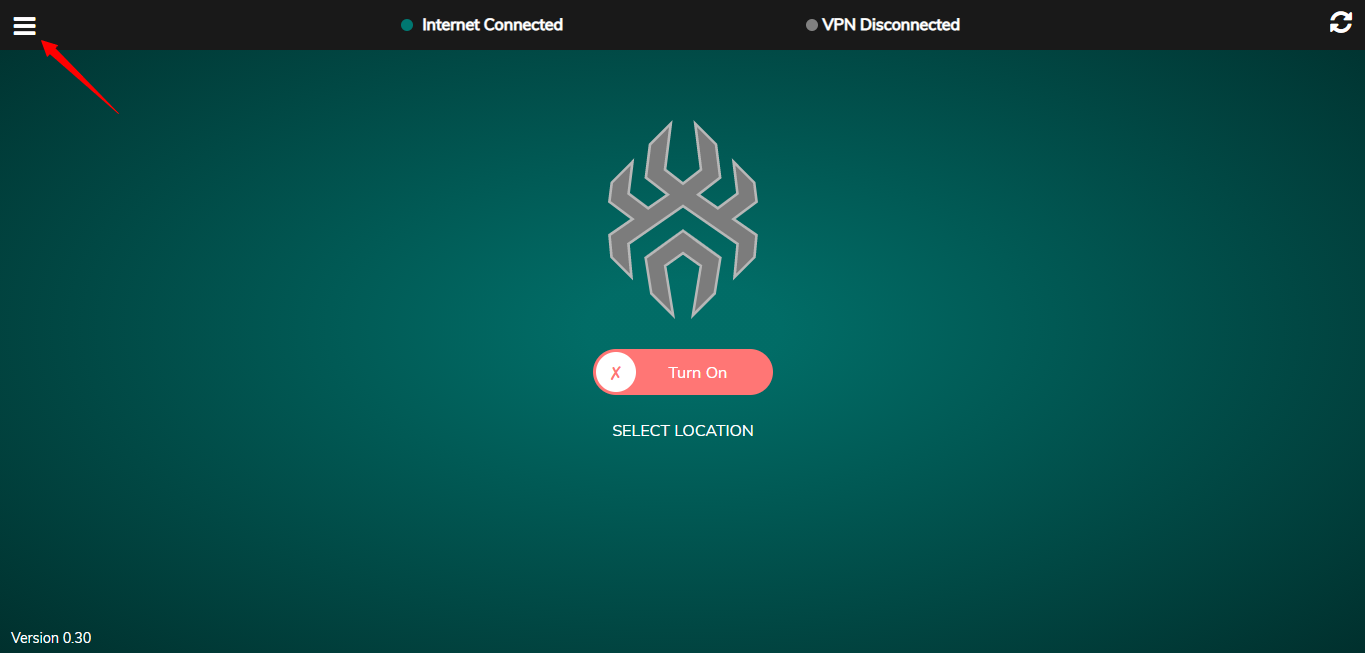
- Open the SpiderVPN router dashboard.
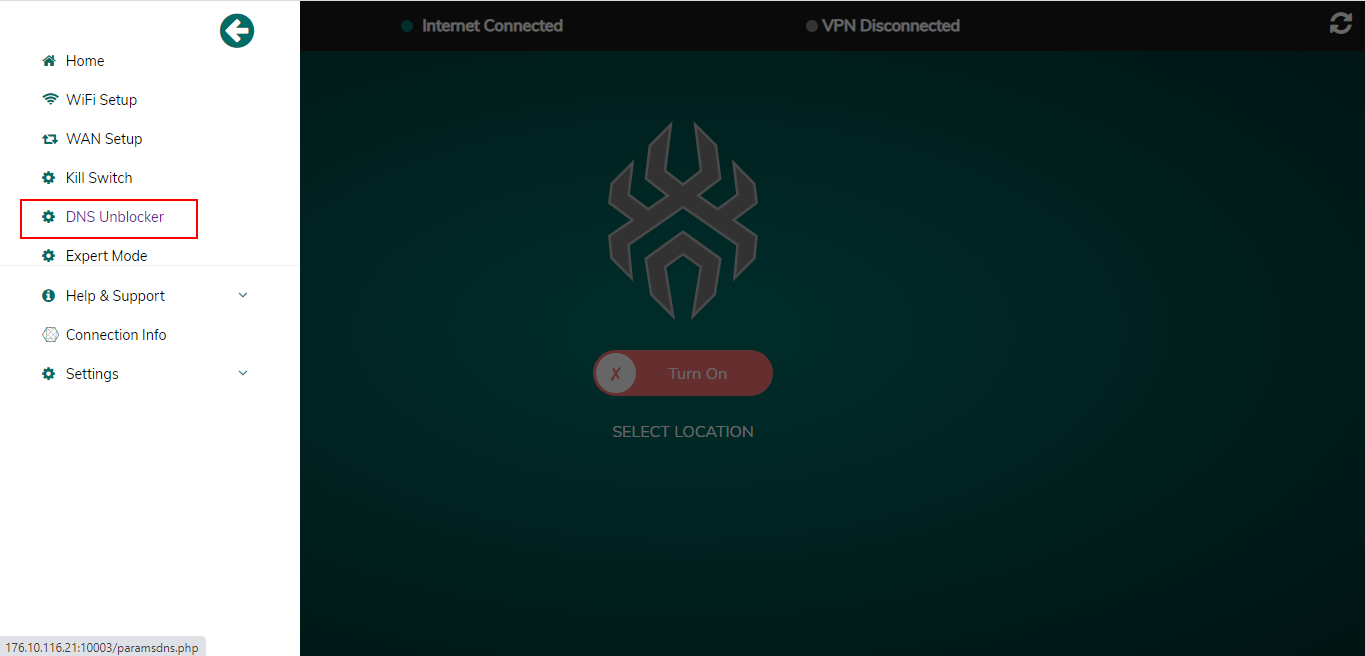
- Go to DNS or unblocker settings.
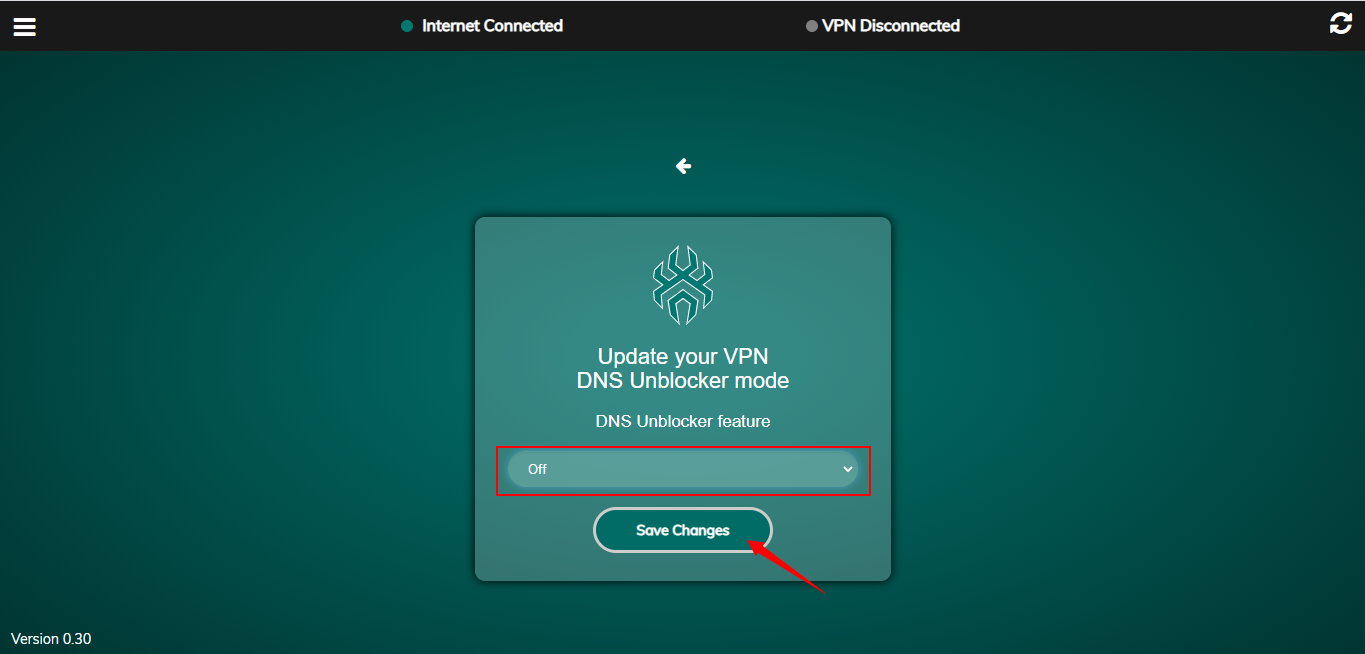
- Choose the desired DNS unblocker mode.
- Save changes.
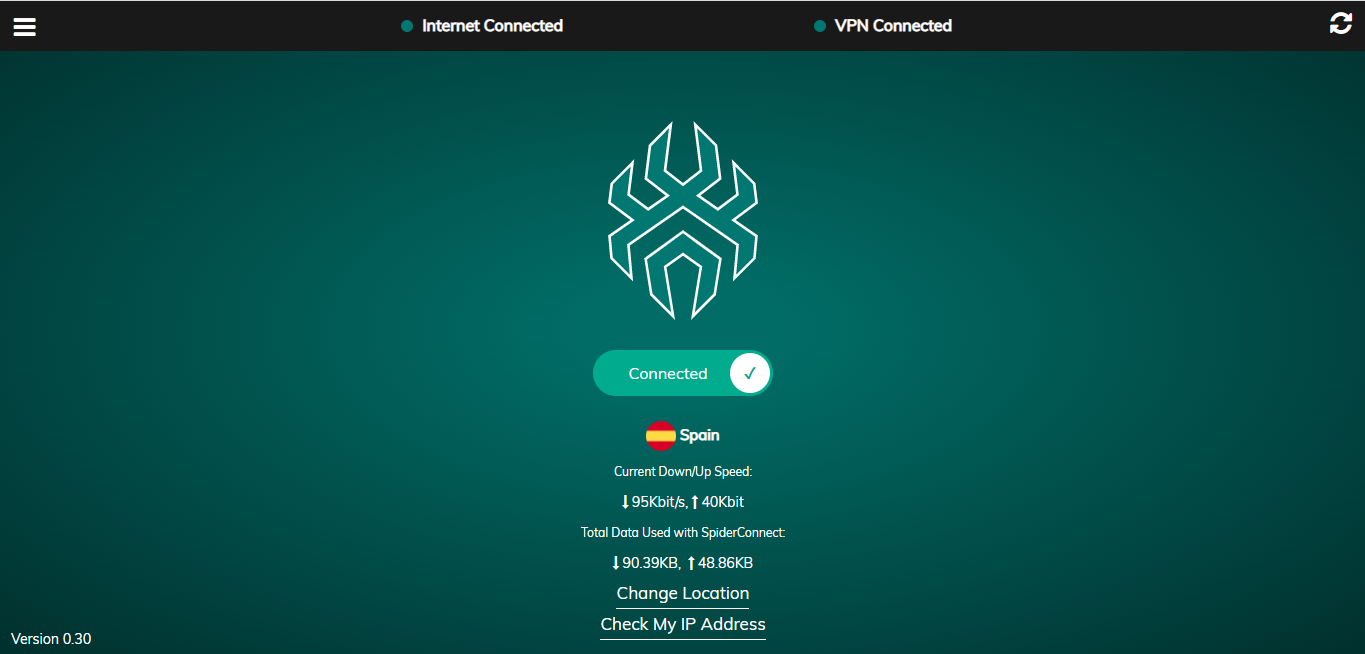
- Re-test the affected streaming or browsing service.
DNS changes can take time to propagate on client devices. Reconnect Wi-Fi or flush DNS if the old result persists.
Reference Screenshots
These images were preserved from the previous public GitBook page for visual parity.