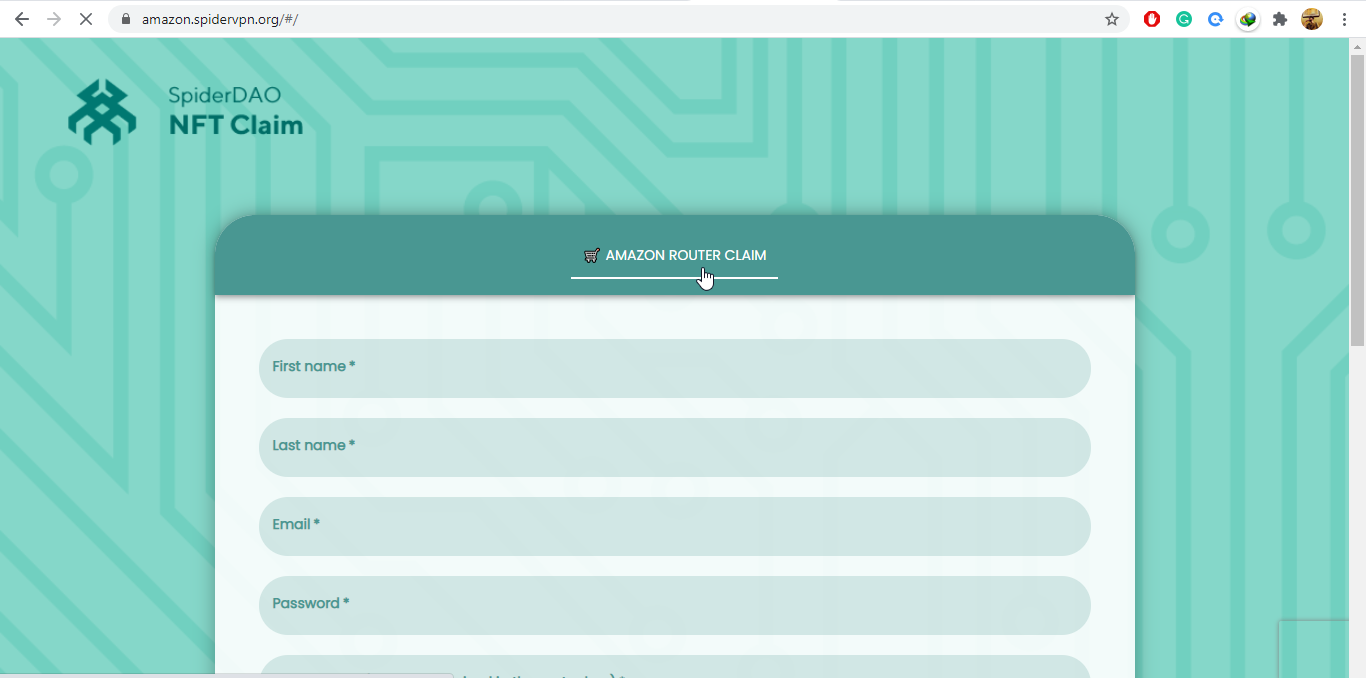
Amazon Router Claim
Use this page for Amazon-sold router claim flows.
- Install and power on the router.
- Connect to the router network.
- Open the setup page.
- Enter the SpiderVPN account email.
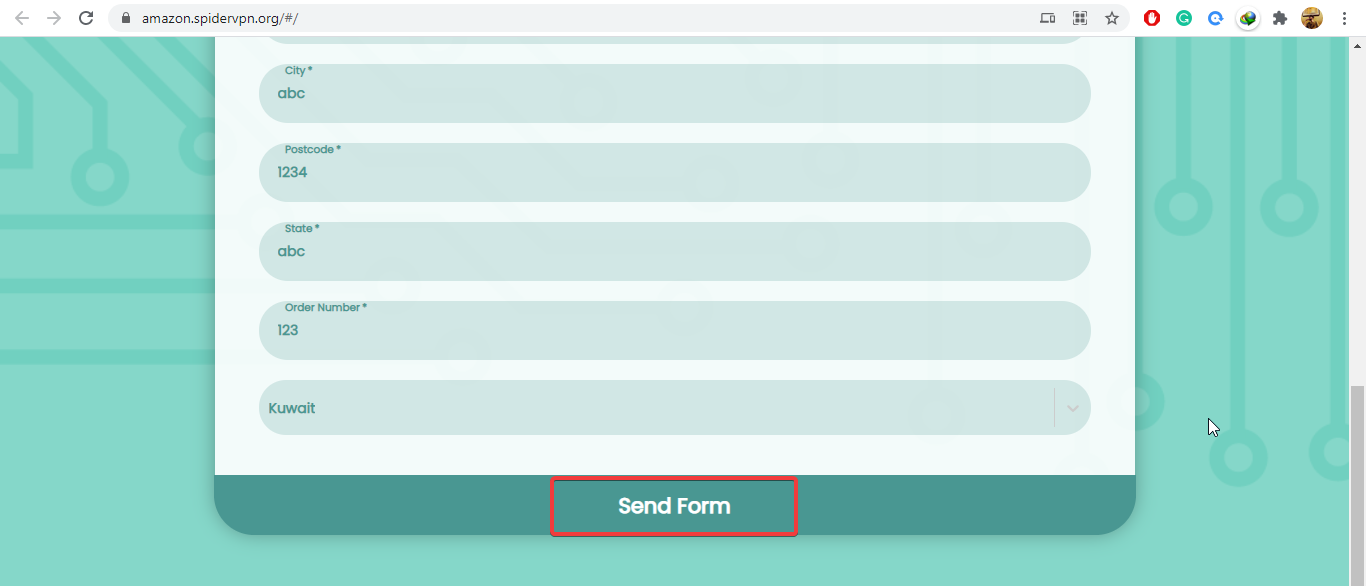
- Complete claim and location selection.
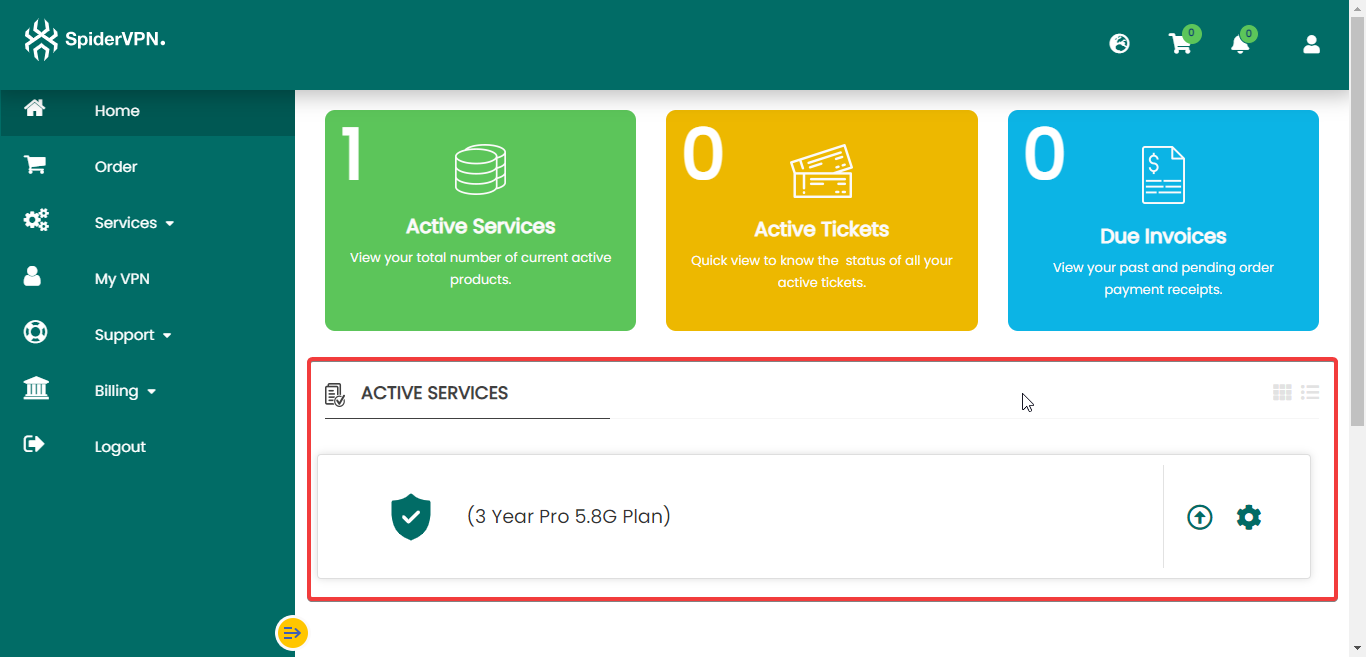
- Confirm the account shows the claimed router.
If claim fails, support should verify account status, order entitlement, and router identity before asking the customer to reset.
Reference Screenshots
These images were preserved from the previous public GitBook page for visual parity.