How to Upgrade the Firmware
- Back up the current router configuration.
- Confirm the target firmware version and checksum.
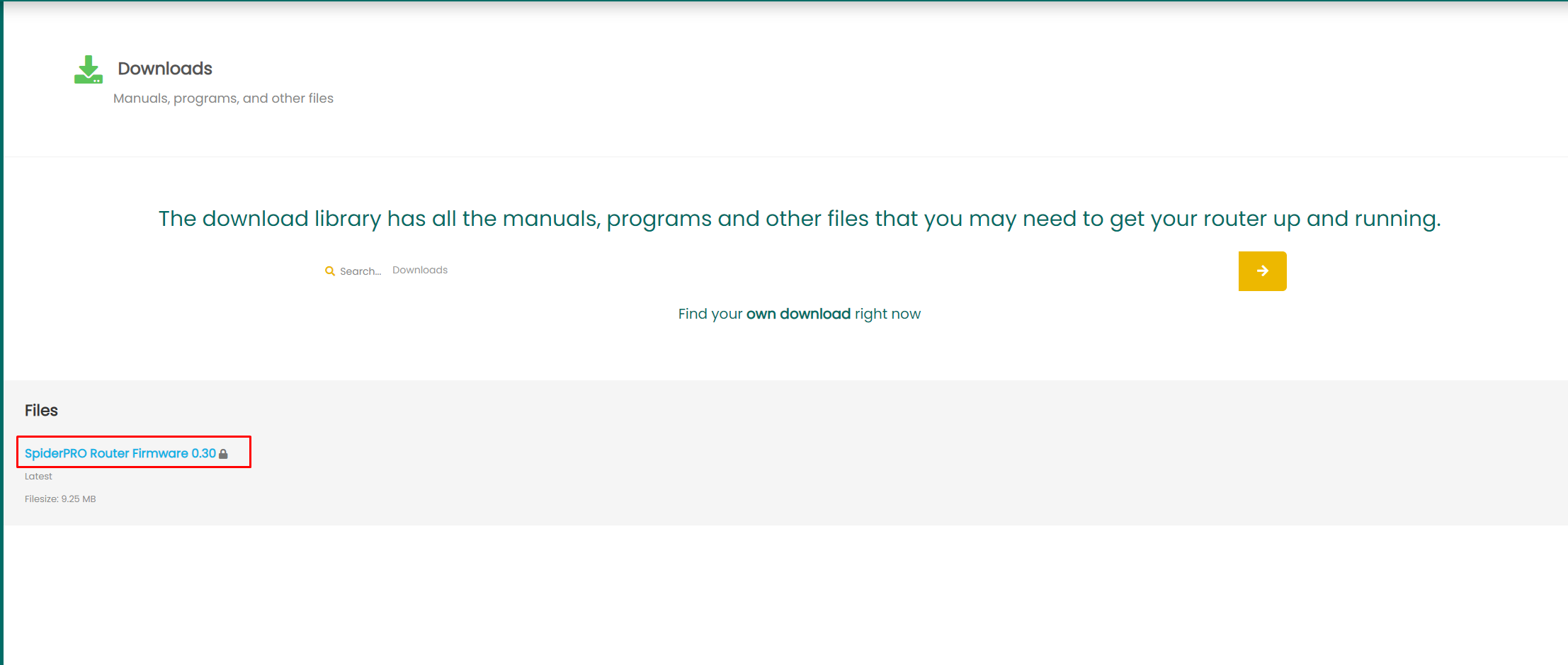
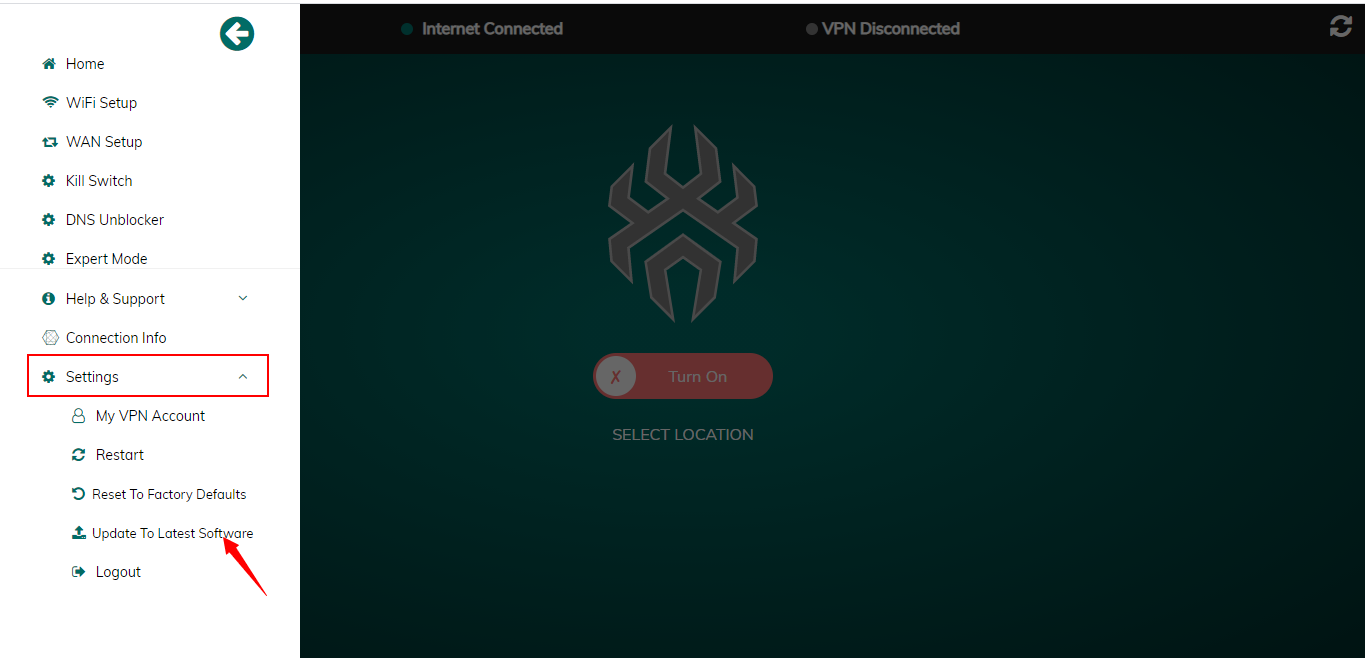
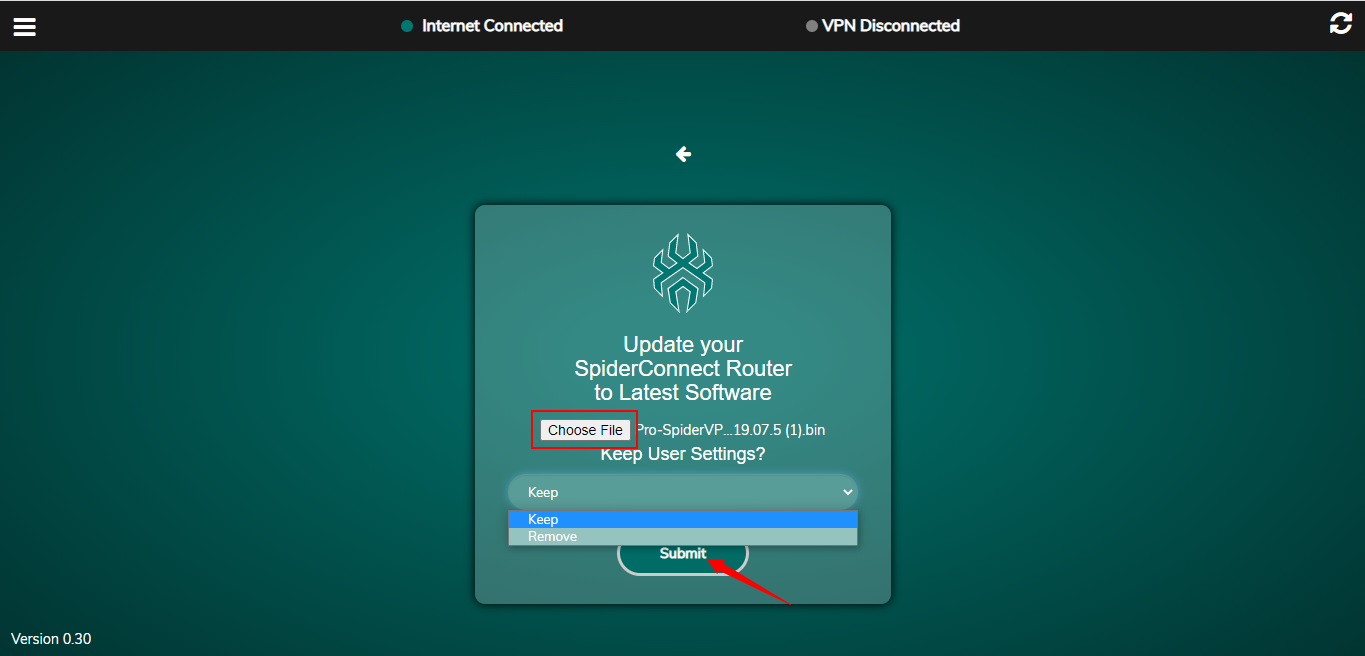
- Upload or select the firmware from the router dashboard.
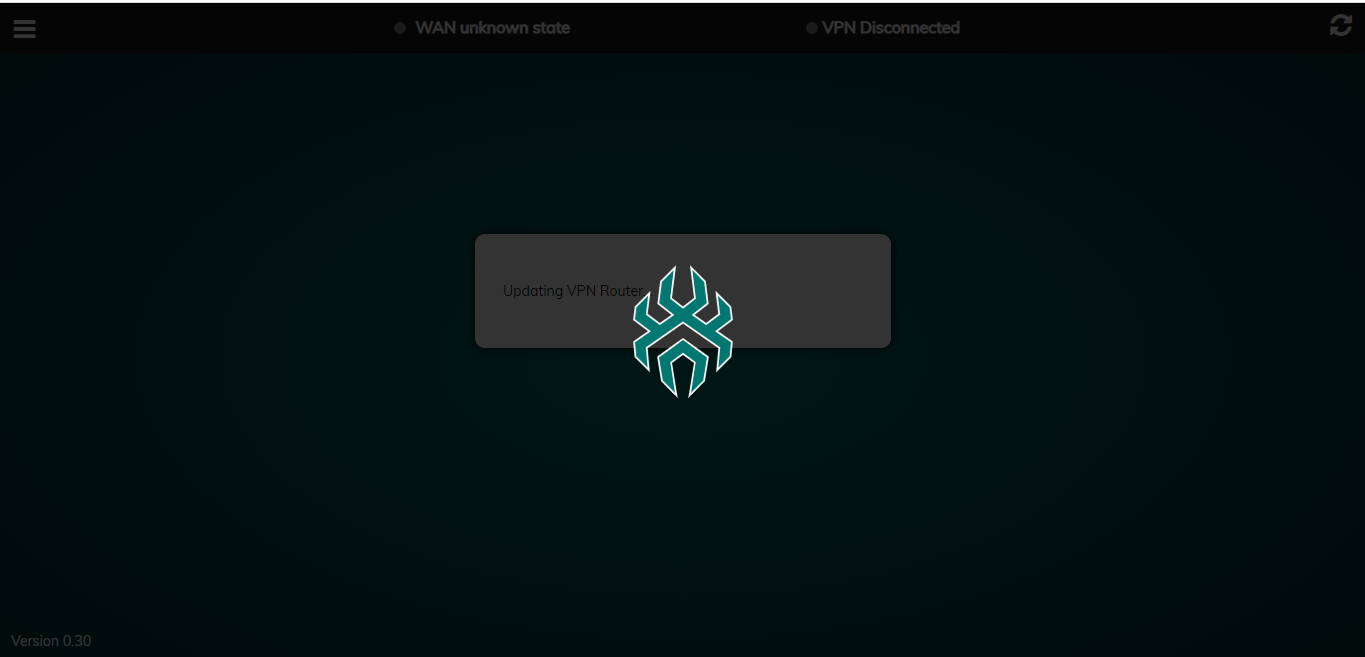
- Start the upgrade and keep power connected.
- Wait for the router to reboot.
- Verify firmware version, setup state, VPN tunnel, WAN, DNS, and management access.
Support should not bulk-upgrade customer routers. Upgrade one router at a time with a rollback plan.
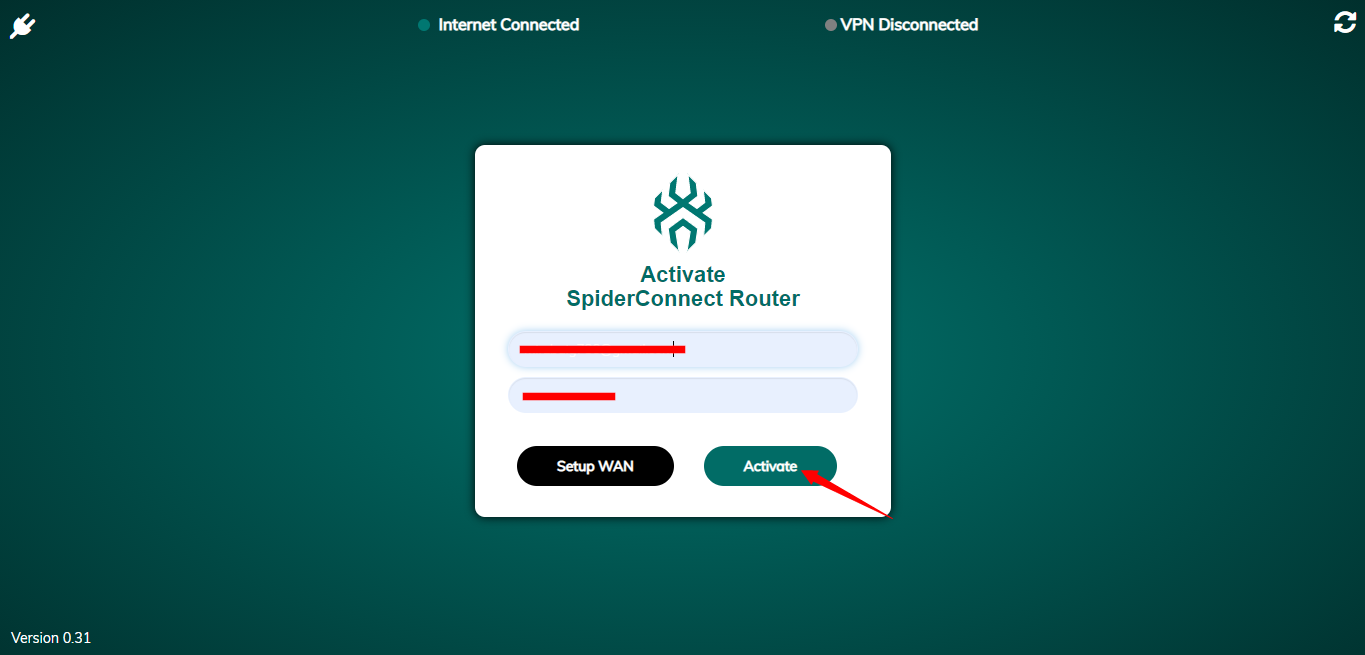
Reference Screenshots
These images were preserved from the previous public GitBook page for visual parity.