Change the VPN Location on the Router
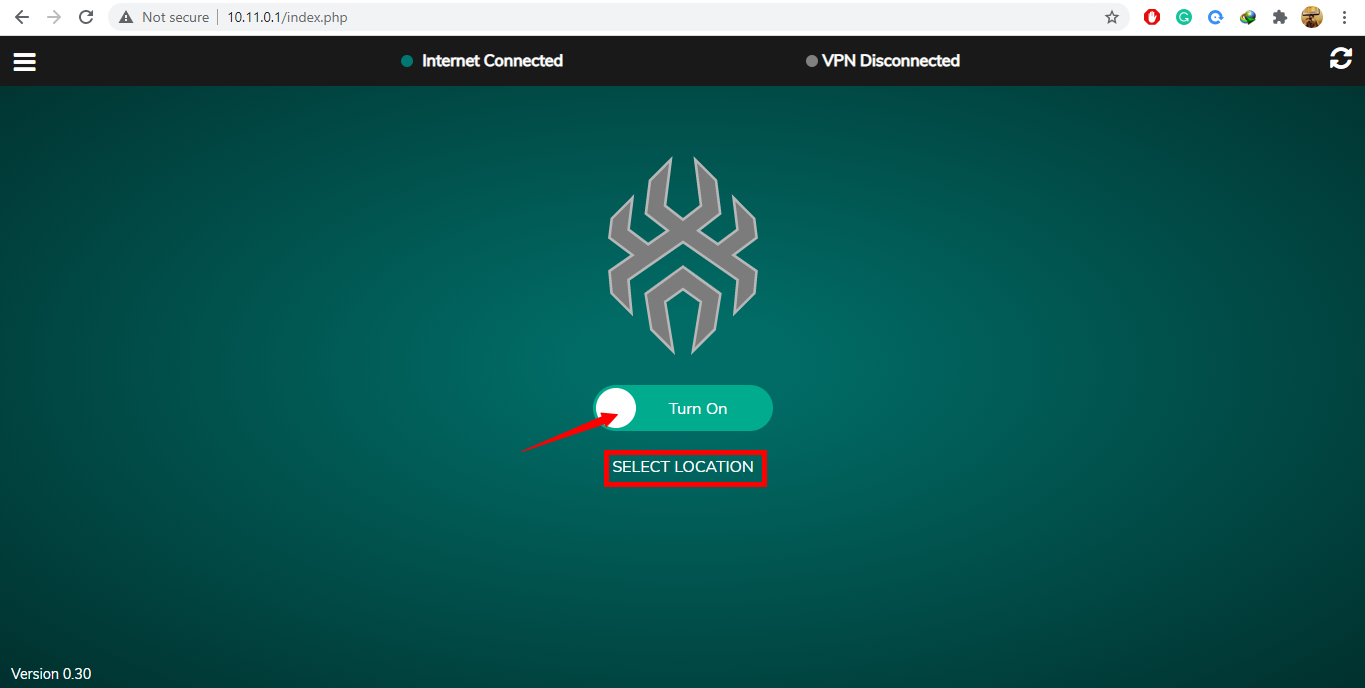
- Open the SpiderVPN router dashboard.
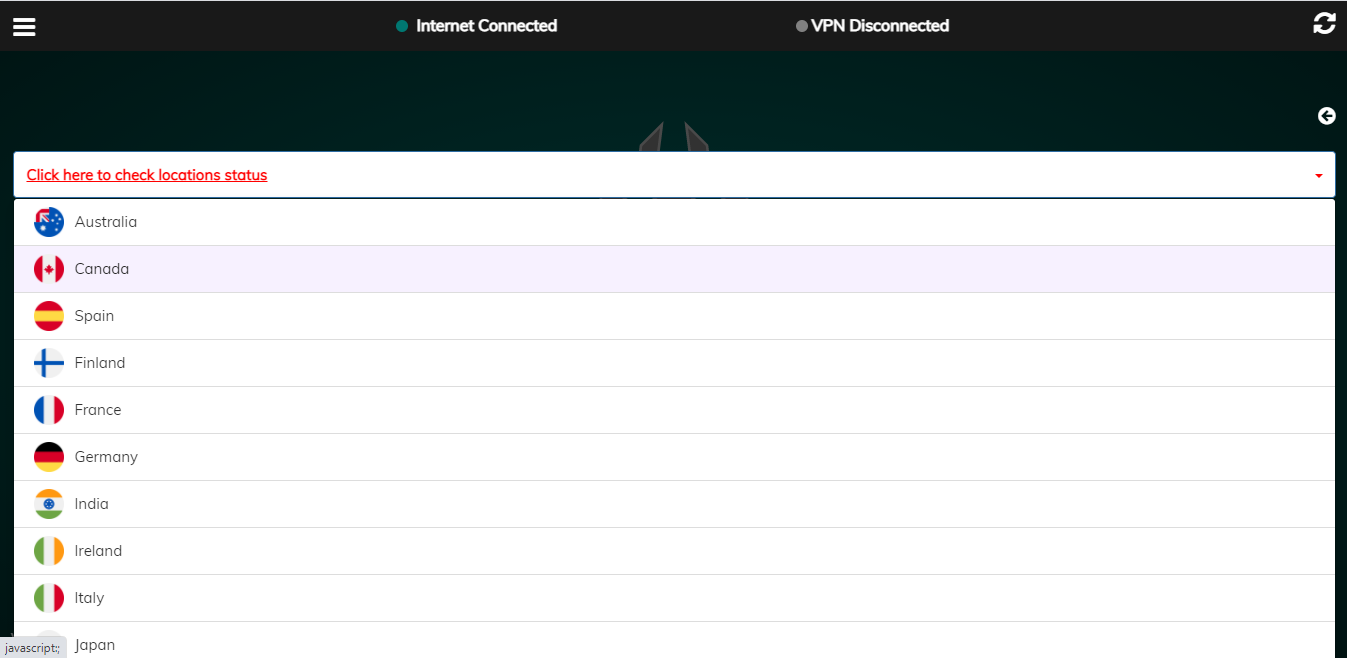
- Go to the VPN or server location section.
- Select the new location.
- Save changes.
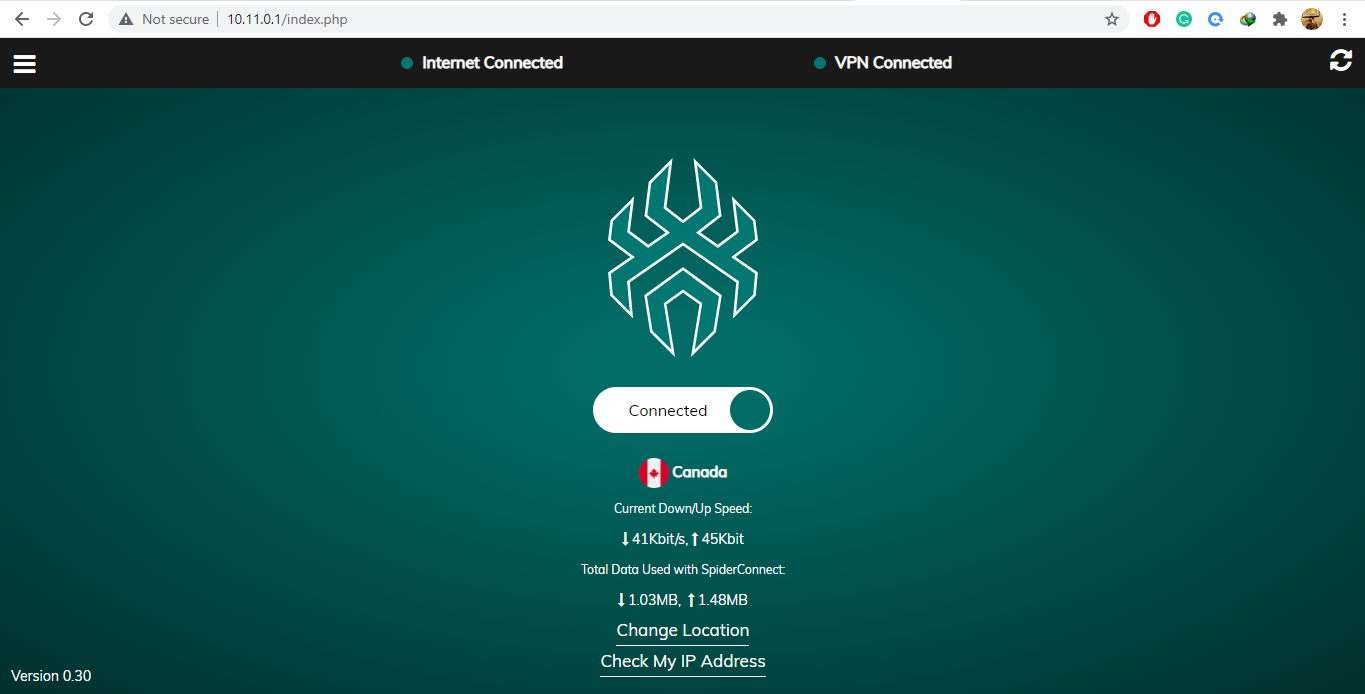
- Wait for the VPN tunnel to reconnect.
- Confirm the dashboard and public IP location match the selected server.
Reference Screenshots
These images were preserved from the previous public GitBook page for visual parity.