Factory Reset the Router
Use factory reset only when normal recovery is not possible.
- Confirm the customer account and router identity.
- Back up current router configuration when reachable.
- Hold the reset button according to the router model instructions.
- Wait for the router to reboot.
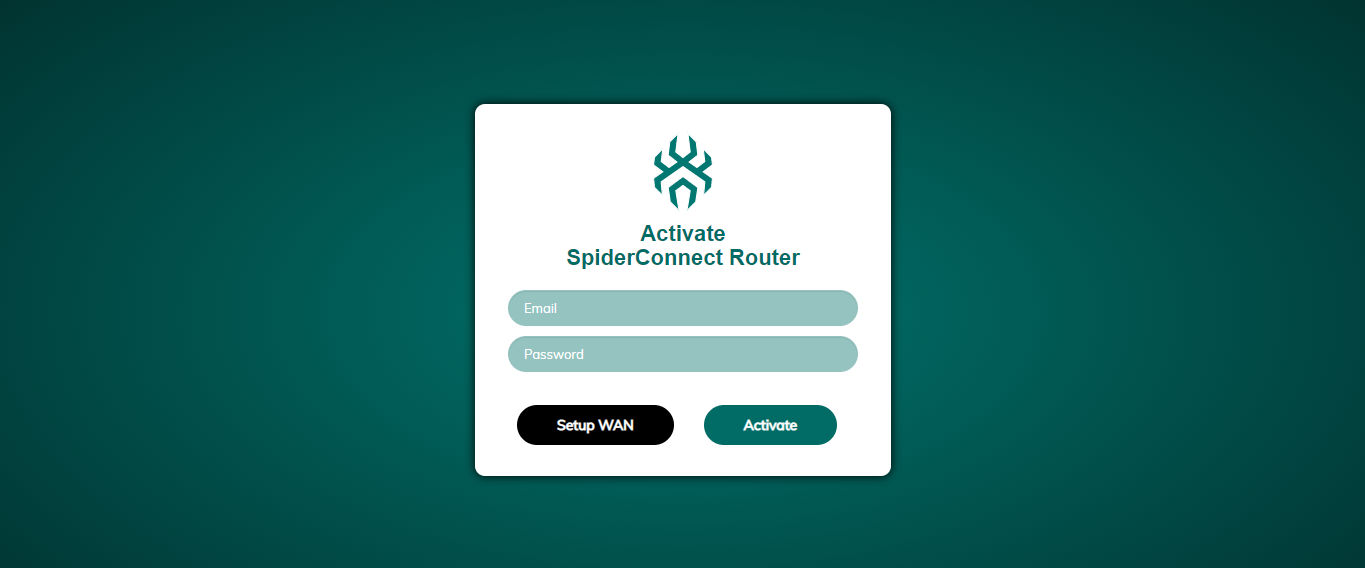
- Re-run the SpiderVPN router setup flow.
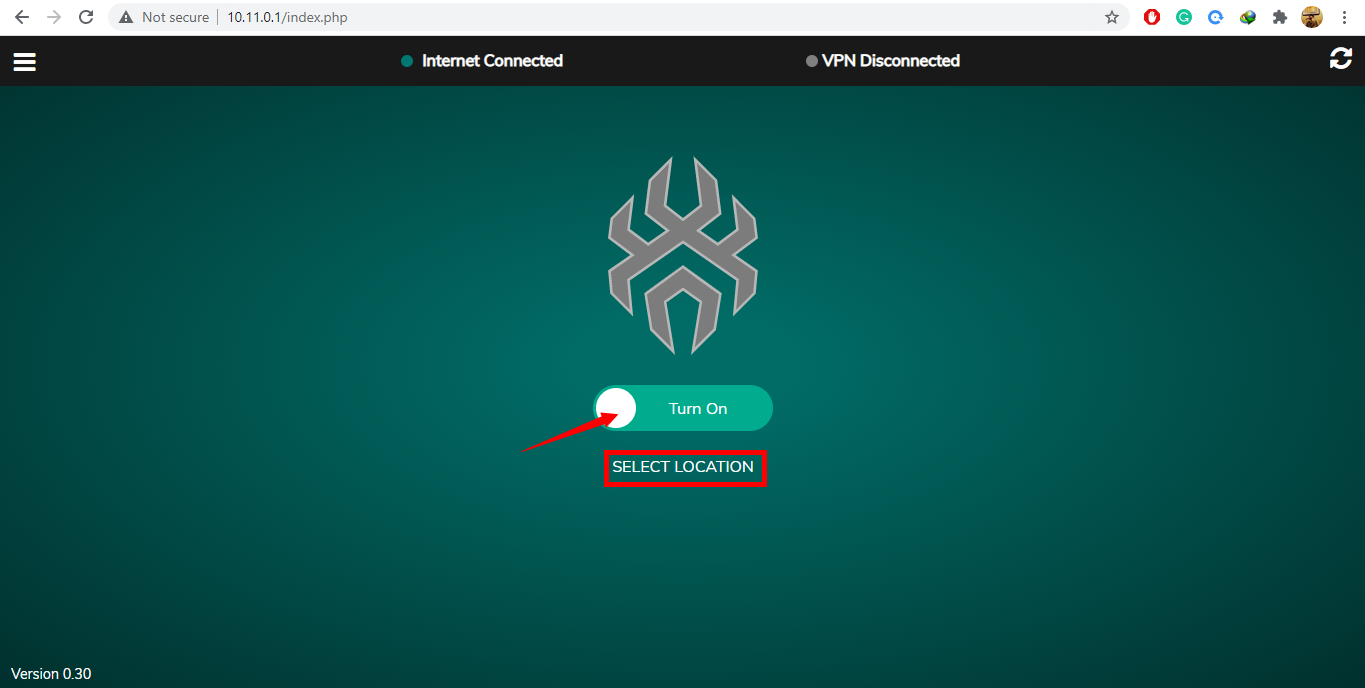
- Confirm VPN and management connectivity.
Support should prefer remote recovery over asking customers to reset whenever management access is still available.
Reference Screenshots
These images were preserved from the previous public GitBook page for visual parity.